
Reports · Troubleshooting
Why a report is missing in another browser
Your recent report list is stored locally in the browser used to send the report. Another browser or device does not receive that receipt automatically. The link you saved when submitting, or the link from a status email, opens the report on another device too.
Last reviewed:
On this page
Goal
Find the right route to status without accidentally sending a duplicate report.
Before you start
- You submitted a report and have the saved link, a status email, the original browser or the «Report code».
Steps
Use the saved link or a status email
If you saved the link when submitting or received a status email, open that link. It shows the report on any device and adds it back to that device's «Your Recent Reports» list.
Otherwise open the original browser
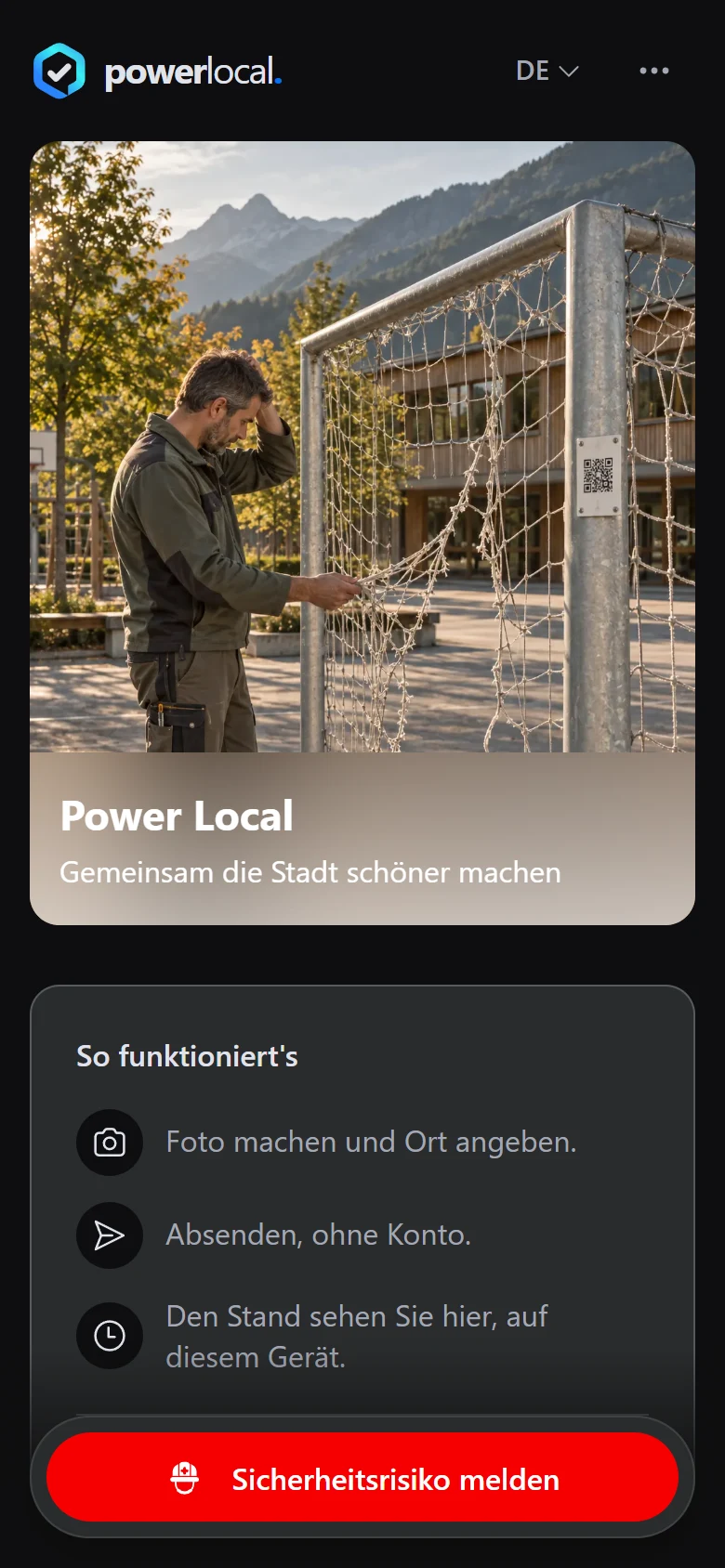
Without such a link, open the reporting site on the device and in the browser used to submit the report, and check the recent reports list there. If you arrived through a QR code, open the same platform's start page in the same browser instead, with its «Your Recent Reports» section, without the QR-specific part of the address.
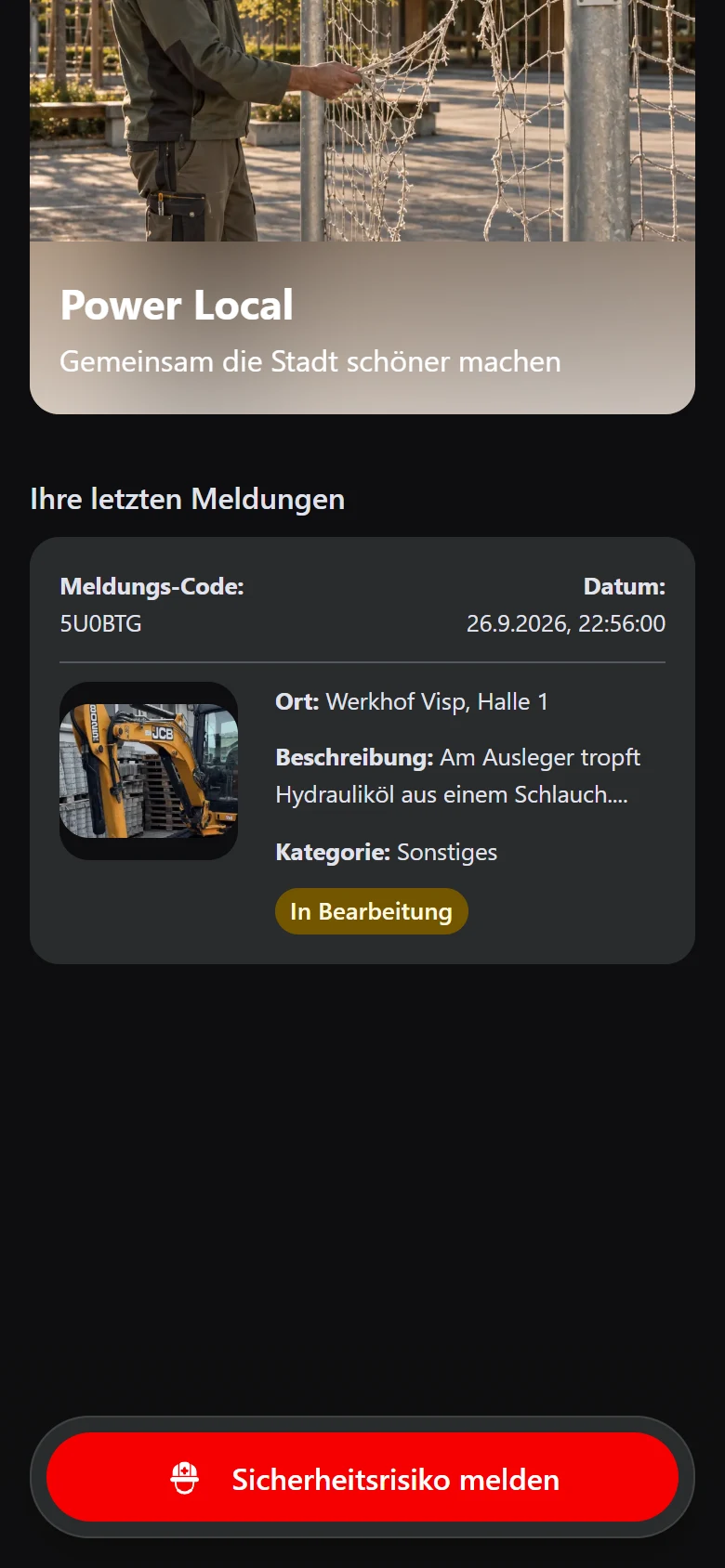
Example view with test data: under «Ihre letzten Meldungen» (your recent reports) in the original browser, a test report shows the status «In Bearbeitung» (in progress); it does not appear automatically in another browser. The title and appearance can differ by organisation.
Open image at full sizeResolve missing access
If you have neither the link nor access to the original browser, contact the operating organisation with the «Report code». Do not send the same report again just because of this.
Media
Open image at full size
Check the result
You open the report through the saved link, in the original browser, or you resolve missing access with the organisation.
If something goes wrong
- The list is empty on a second device.
- This is expected. Open the saved link or the link from a status email if you have one, or return to the original browser; the list itself is not transferred between devices.
- The report is also missing in the original browser.
- Check that you are using the same browser and profile. If local storage was cleared, open the saved link or the link from a status email if you have one; otherwise ask the organisation using the «Report code».
Common questions
Will a «Report code» alone automatically load the report in another browser?
No. The automatic status list needs additional details from the original browser; the link you saved when submitting, or the link from a status email, opens the report on any device instead.
Should I submit again from the new device?
Not just because the list is empty. First check whether the original report was received.